DATASCI 101: Introduction to AI Applications

Lecture 16: Setting up AI: Instructions, Memory and Connectors

Danilo Freire

Department of Data and Decision Sciences
Emory University

Welcome back! 🤓

Recap of last class

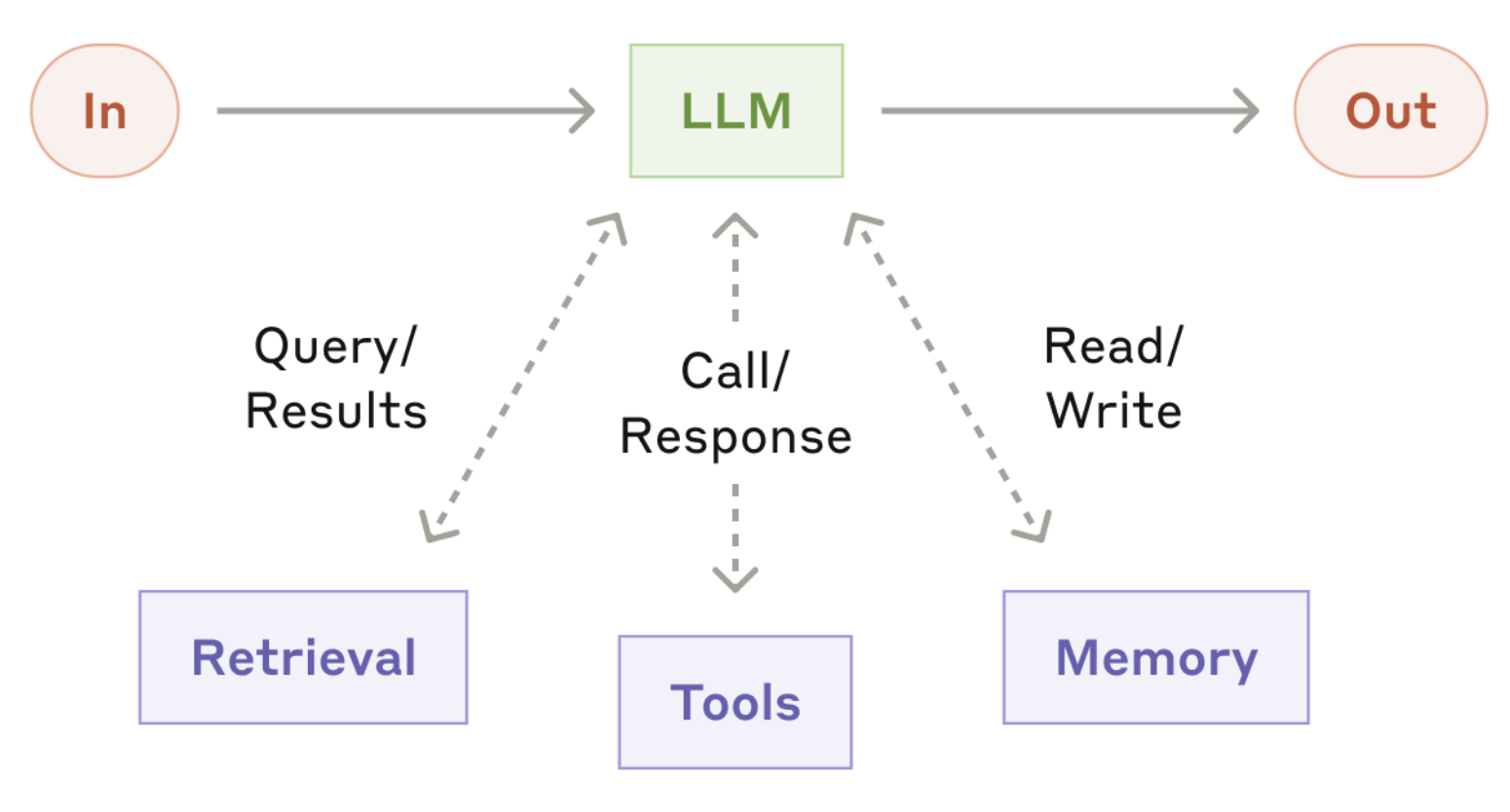
  • An agent = model + tools + loop + goal
  • The loop: plan, act, observe, and repeat until the goal is met
  • Errors compound: 95% per step is only 36% over twenty steps
  • The lethal trifecta: private data, untrusted content, and a way out
  • Replit and Project Vend: two agents that failed
  • Before you delegate, run the credit card test: can I undo it, and how much can I lose?
  • Today: what the model knows before you type, and what you should keep out

Source: Anthropic

Lecture overview

Today’s agenda

Part 1: From prompts to setups

  • One prompt vs a reusable setup
  • The four layers of context
  • Instructions and memory

Part 2: Instruction files for agents

  • Claude Code and CLAUDE.md
  • AGENTS.md and Skills
  • Spotting which layer went wrong

Part 3: Connectors and MCP

  • What MCP is
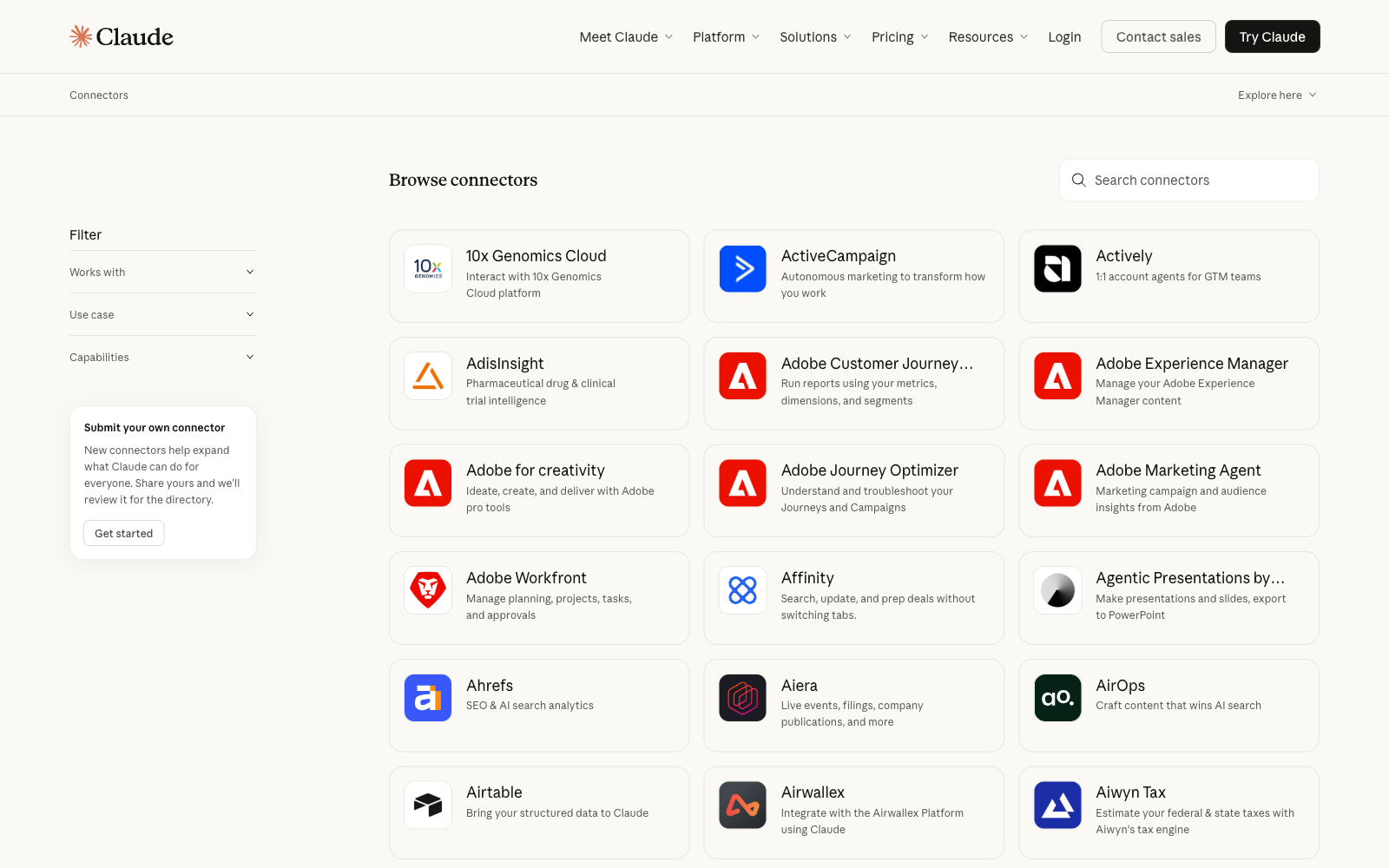
  • Connectors on the free plan
  • Finance as the worked example
  • Prompt injection through a connector

Part 4: Beyond Claude

  • The same buttons in ChatGPT
  • Building your own setup

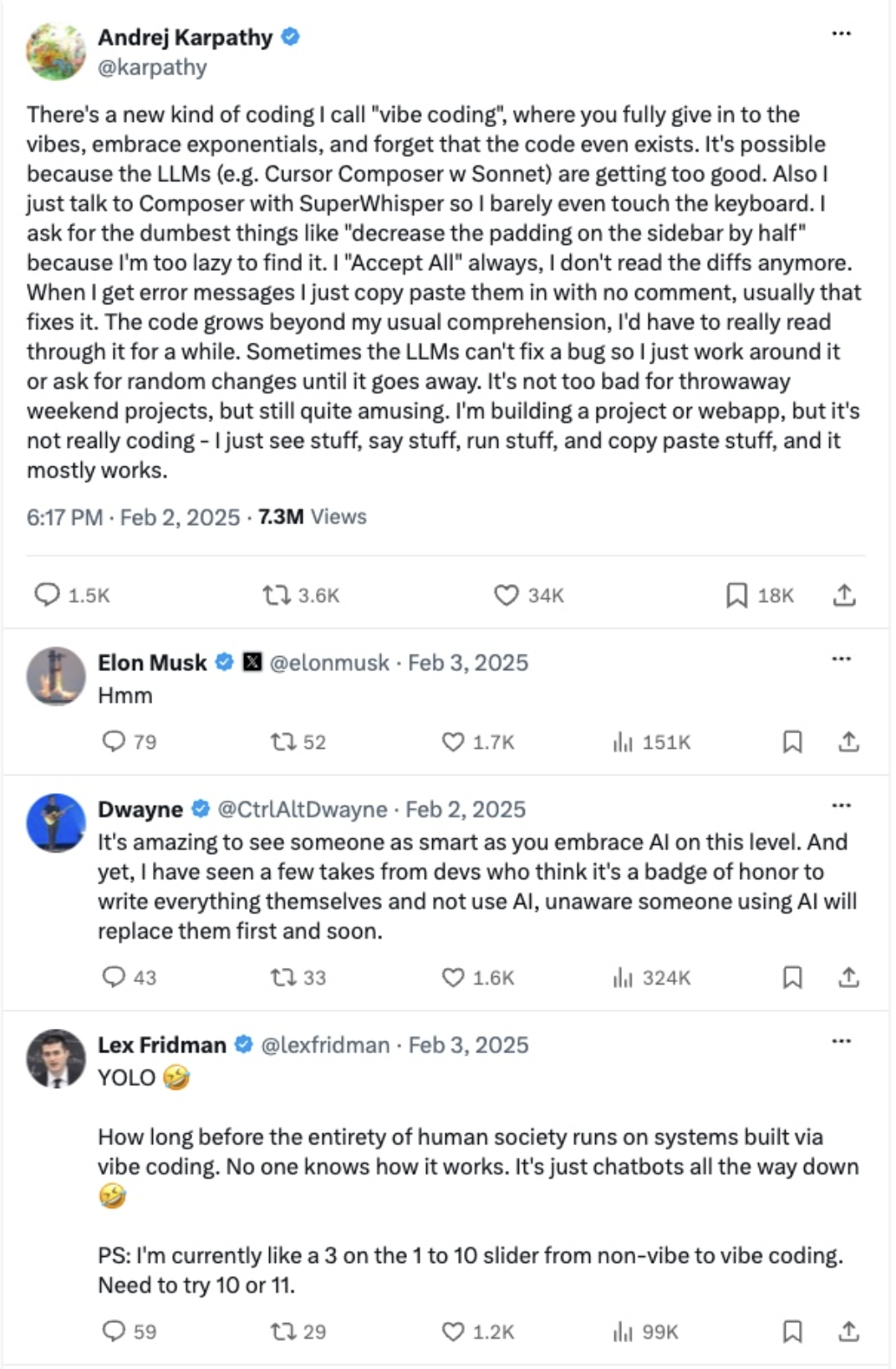
Tweet of the day

Source: Andrej Karpathy on X

Group project

Group project

What you will do

  • Groups of 4-5 students, one real-world domain each
  • Choose one of seven:
    • Healthcare (diagnosis, treatment, patient care)
    • Education (tutoring, assessment, feedback)
    • Finance (investing, fraud, credit)
    • Law (legal research, contracts, compliance)
    • Creative industries (writing, art, music)
    • Scientific research (literature review, hypotheses)
    • Customer service (support bots, complaints)
  • No programming required
  • Full brief: project-instructions.pdf
  • You test existing AI tools in your domain
    • Try them, break them, probe their limits
  • Then you design a new application for a gap you found
  • Three questions to answer:
    • What works?
    • What fails?
    • What would you build differently?
  • We grade the thinking: what you tested, what you found, what you would build

Deliverables and timeline

Three dates to write down

  1. Optional proposal (12 November): one page, not graded. Early feedback on your domain and plan

  2. Final report (8 December): 5–10 pages. Domain overview, tool evaluation, proposed application

  3. Infographic (8 December): one-page PDF for a general audience

A bonus appendix with prompts, code or extended analysis is recommended, not required

Important dates:

  • 3 November: group list due
    • No group? You will be assigned to one at random
  • 12 November: optional proposal
  • 8 December: report and infographic

Talk to your classmates this week. If you need help finding a group, come and ask me 😉

From prompts to setups

Why one prompt is not enough

You have all done this

  • You explain the assignment, the style, the course, again
  • You paste the same syllabus into every new chat
  • The model has no state between chats
  • Each chat starts from the weights plus the context window (Lecture 10)
  • The fix is a setup: a standing instruction the tool applies to every chat
One prompt A setup
Typed fresh every time Written once, applied always
Lives in one chat Lives in the account
You carry the context The tool carries the context
Good for a question Good for a job you repeat

The four layers of context

Where an answer actually comes from

Layer Who writes it What it holds In Claude
Instructions You Standing rules Settings, project instructions
Knowledge You Files it searches Project knowledge
Memory The tool What it saved from past chats Settings > Memory
Tools The tool Live accounts it can read or act on Connectors


Instructions

Your own system prompt

  • Lecture 10 showed the company’s hidden text above your message; now you write your own
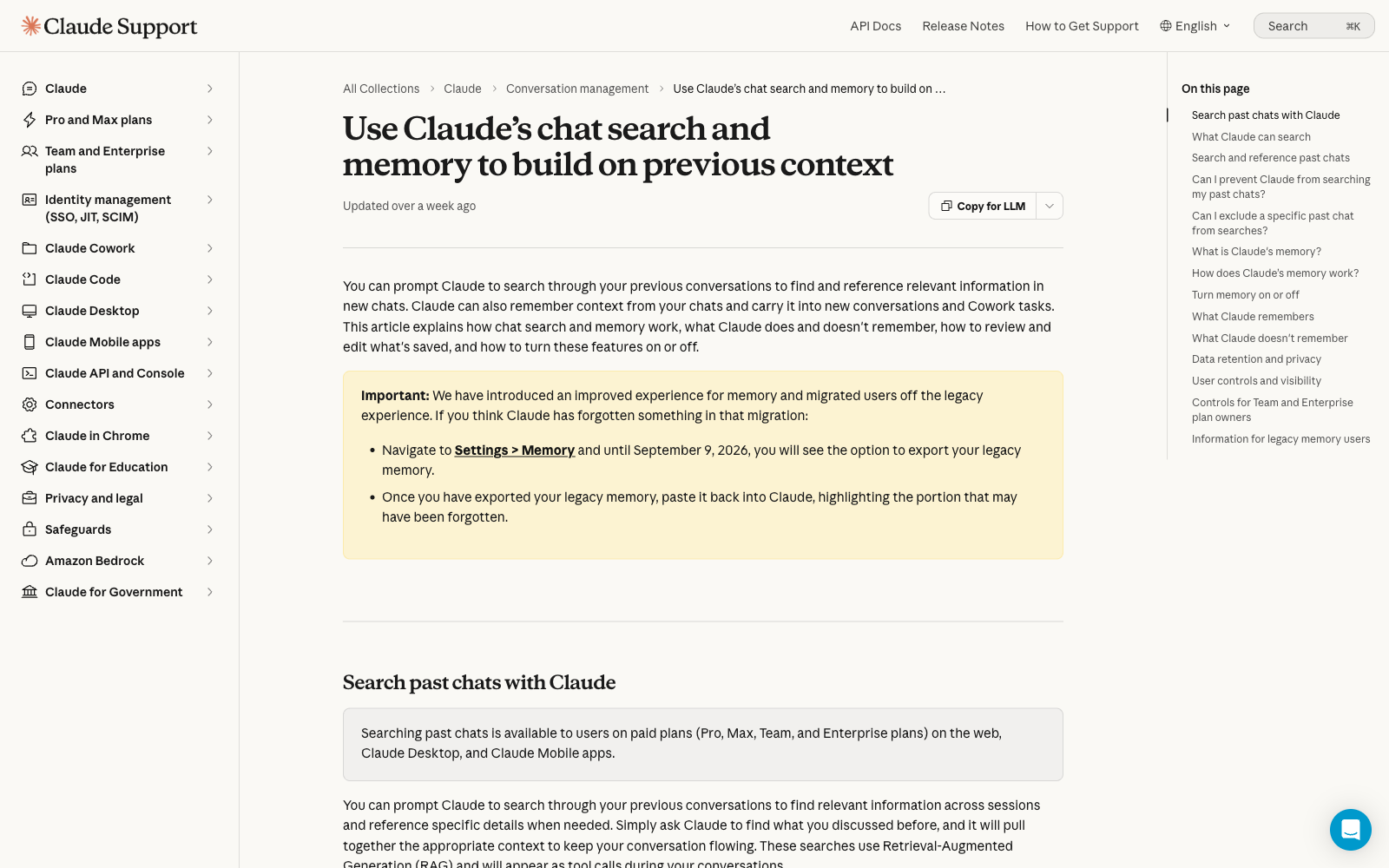
    • Settings > Instructions for Claude: every chat
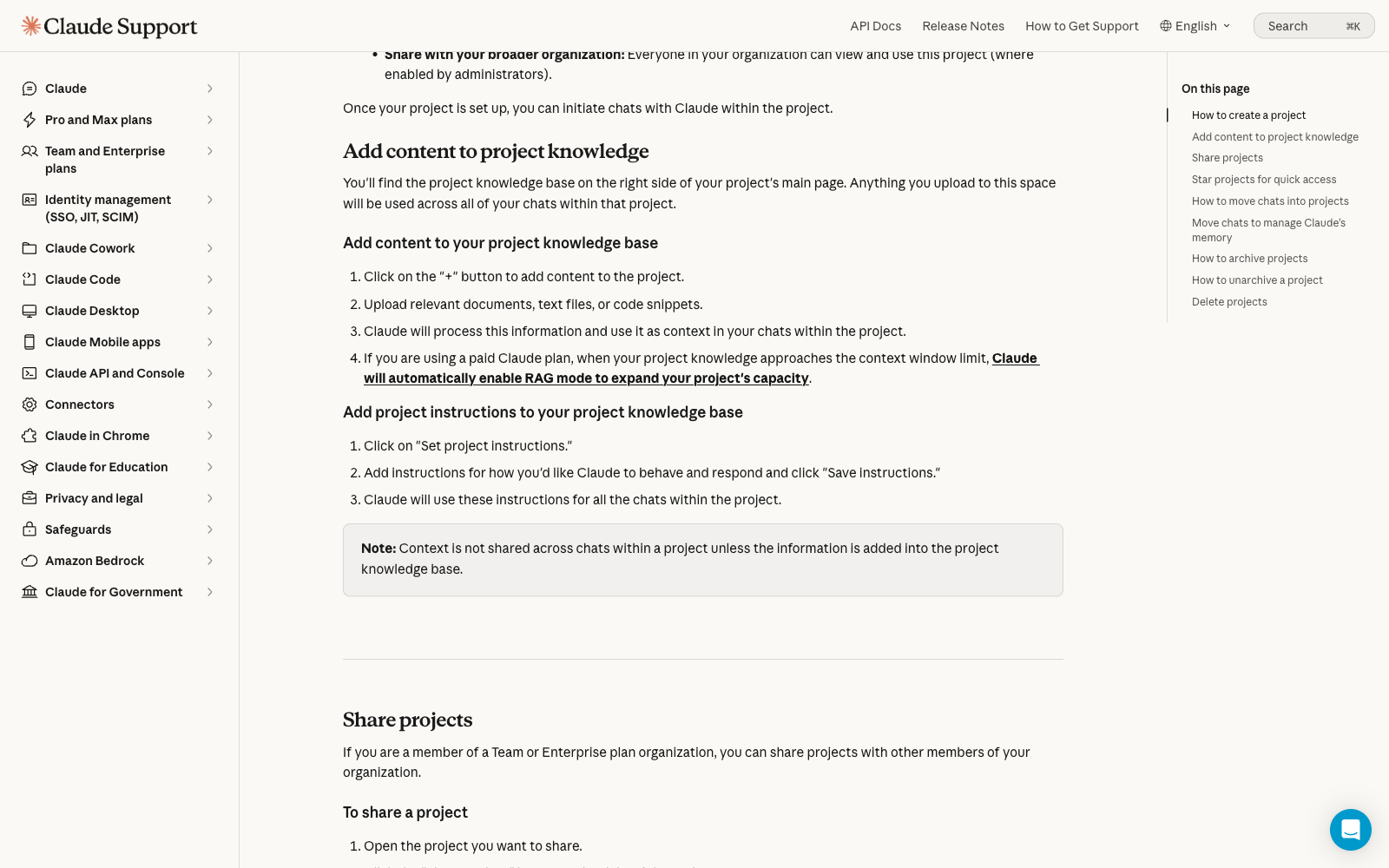
    • Project instructions: one project, Free included
  • Zheng et al. (2024): “you are an expert” changes nothing, so write constraints
  • Sclar et al. (2024): reformatting one prompt shifts accuracy up to 76 points
  • Rules do not scale (IFScale, 2025): the best models follow 68% of 500, the early ones most. Keep them few and first
  • Name five things: role, audience, format, refusals, first question

You are helping an undergraduate with no coding background. Answer in at most six bullets, avoid jargon, and define every technical term once. Ask which lecture I am on before you answer

Memory

On by default, and it fills up on its own

  • Park et al. (2023) gave 25 agents a memory stream: a diary scored by recency, importance and relevance
  • Both do it: ChatGPT since 2024, Claude Free since 2026, and on by default
  • It saves things unasked: your degree, city, job, the projects you return to
  • Memory spans every chat in your account; a Project keeps its own, separate memory
  • The same question can get different answers in two accounts, because the memory differs
  • Settings > Memory lets you read, edit and delete each line
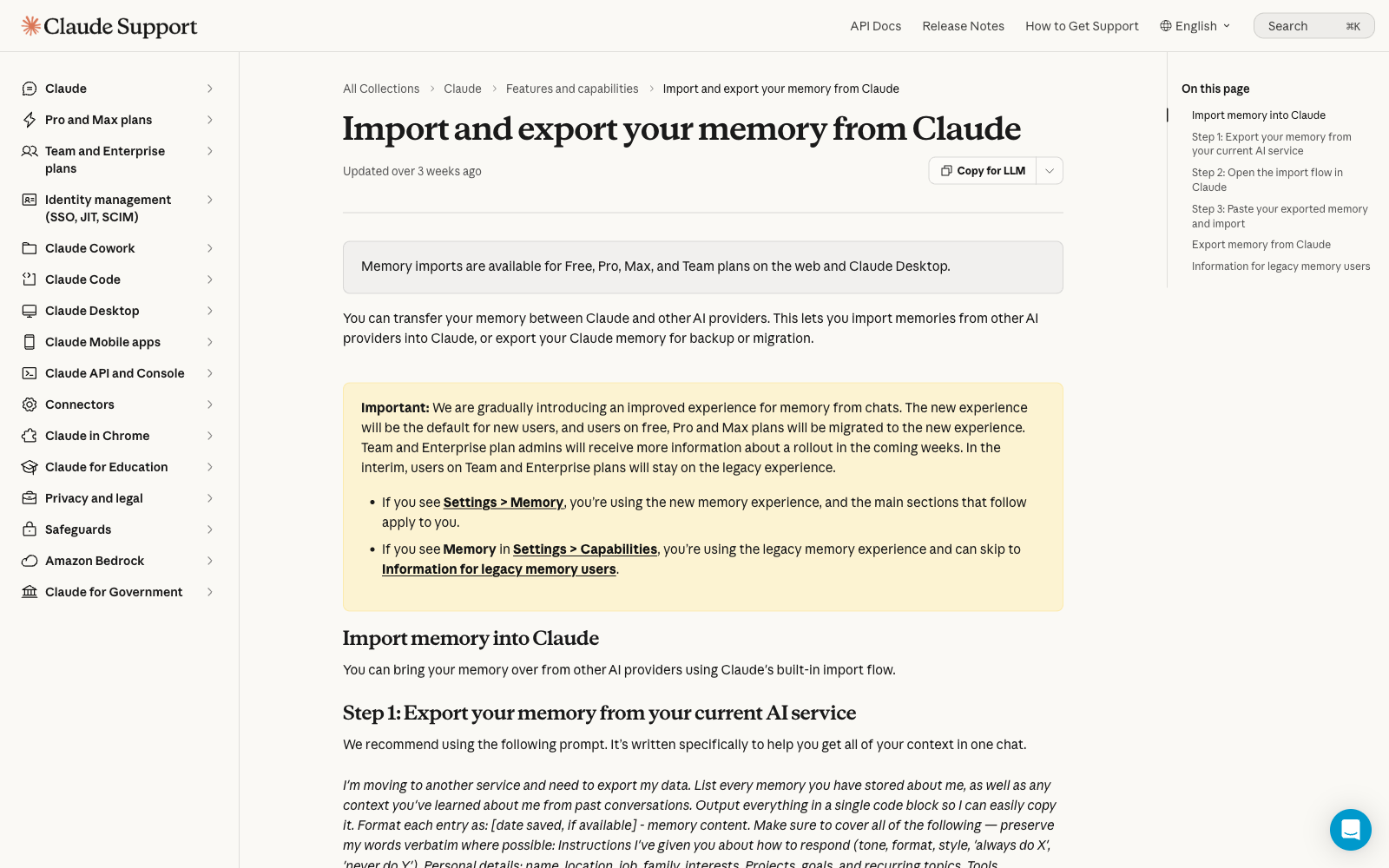
  • Import and export move memory between Claude and other AI services (experimental)

What should never sit in memory

The risks grow with time

  • Dong et al. (2025, NeurIPS), Memory INJection Attack (MINJA): an ordinary user poisoned an agent’s memory with normal questions, 98% success
  • Al-Tawaha et al. (2026), a preprint: violations rise the longer an agent runs, so safe on day one means little by day thirty
  • Three red flags to keep out:
    • Health: diagnoses, medication
    • Finances: salary, debts, account numbers
    • Other people: a classmate’s grades, a friend’s problems
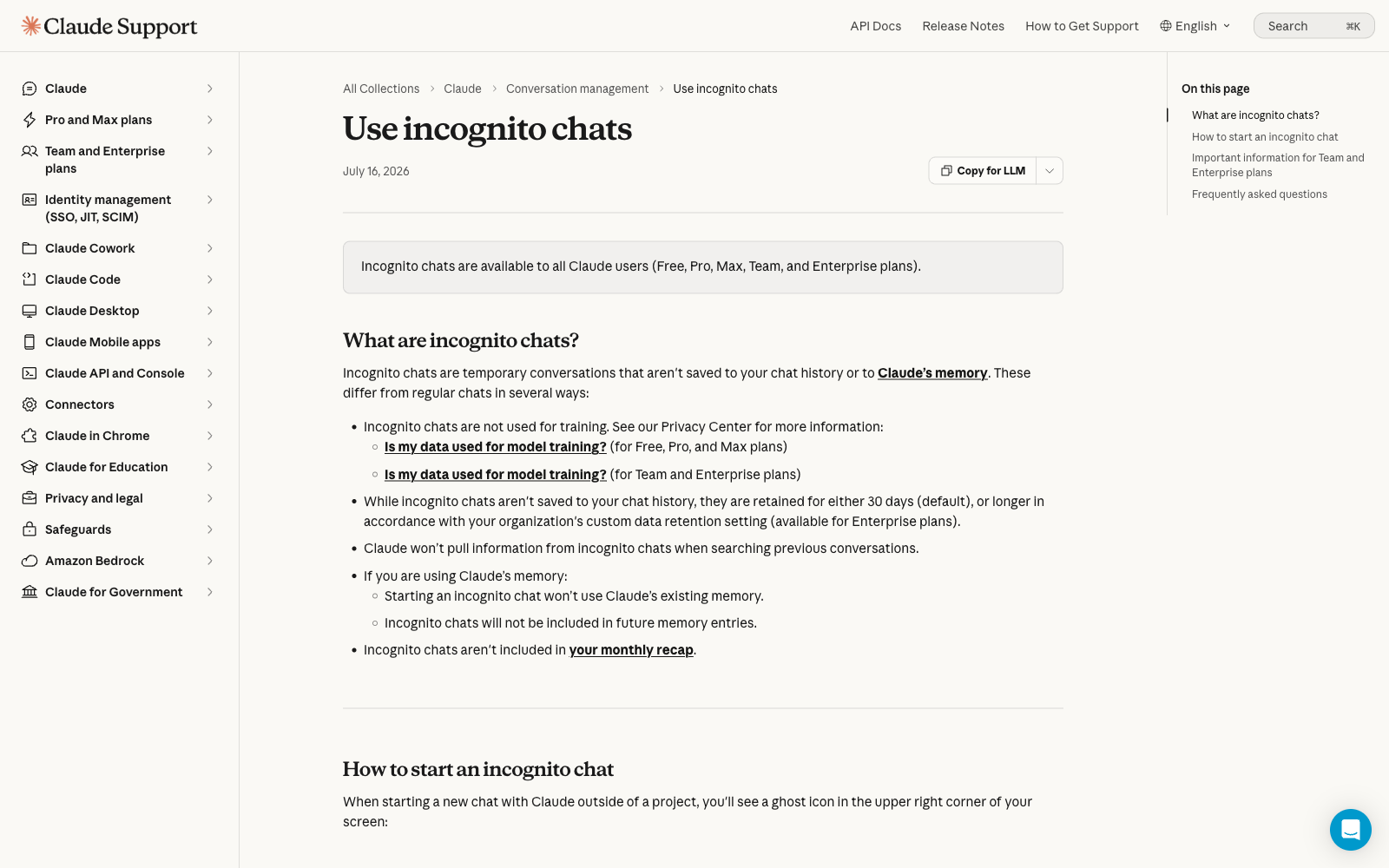
  • An incognito chat saves nothing, reads no memory and creates none (every plan, kept 30 days, not inside a Project)

Instruction files for agents

CLAUDE.md: an instruction file for coding agents

The same idea as Project instructions, one level down

# Legislature size meta-analysis

You help me analyse the meta-analysis data in R.

## Key files
- Data in dataset/ and paper in article/.

## Style
- tidyverse; snake_case names.
- British English in the paper and figures.
- One idea per code chunk.

## Never do
- Never edit files in dataset/, they are raw.
- Never change the random seed in the models.

## Before committing
- Run the tests, then show me the commit message.
  • An example CLAUDE.md for a coding agent
  • Only if you install Claude Code on your computer: the web app never reads this file, and there is no Claude Code on Free. Sorry about that 🙁
  • It reads a plain CLAUDE.md at the start of every session, the same parts you would put in Project instructions:
    • Role, orientation, house style, hard limits, approval points
  • The file keeps growing: Chakrabarti (2026) saw these grow 226%, about five net rules per commit, old ones rarely deleted
  • Lecture 15’s Replit lesson holds: this file is text, and text is not a permission system

AGENTS.md and Skills

One shared file, and folders for repeatable tasks

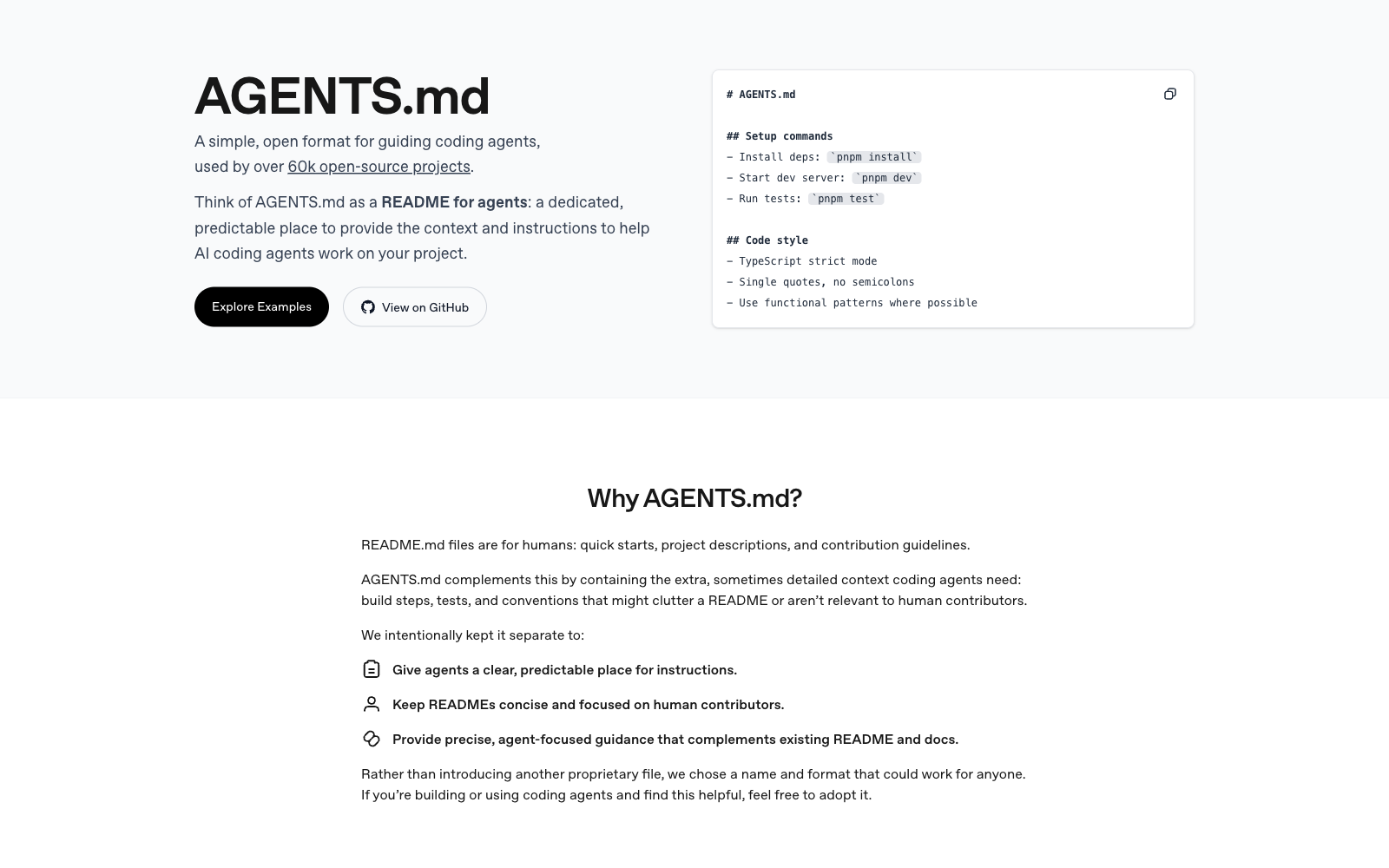
AGENTS.md: one instruction file many coding tools read

  • Released Aug 2025 by OpenAI Codex, Google, Cursor and others; now ~two dozen tools (Cursor, Gemini CLI, Copilot, Zed), in 60,000+ projects
  • Claude Code reads it natively; joined the Agentic AI Foundation (Dec 2025)
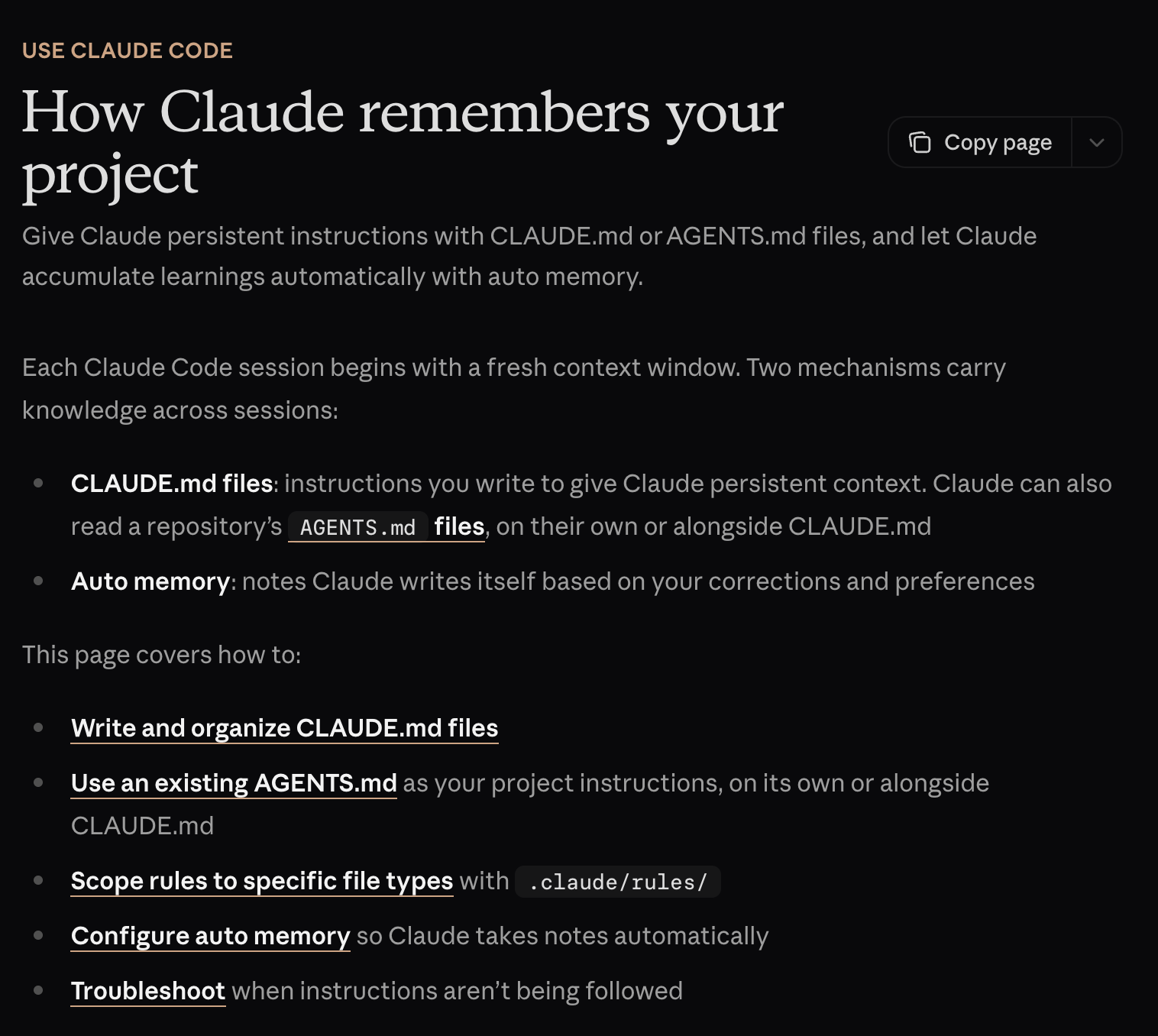
  • Claude Code can read AGENTS.md, CLAUDE.md, or both

Skills: a folder with a SKILL.md for one repeatable task

  • Progressive disclosure: reads a short description first, loads the rest when a task matches
  • Pre-built skills run in the web app; Free users can upload their own too (turn on code execution first)

Source: agents.md

AGENTS.md and CLAUDE.md need software you install. Recognise them, do not memorise them. They will not be on the quiz because not every student can run them

The same four layers, different buttons

Which layer is the problem in?

In a chat app In an agent tool
Account instructions Personal CLAUDE.md
Project instructions Project CLAUDE.md
Uploaded knowledge files Documents in the repository
Skills Skills
Connectors Tools and MCP servers
Memory Notes the agent writes to a file
  • Every product ships its own names for these six rows
  • Skills sit in both columns because they are the same folder
  • The left column is the web app you use; the right is developer tools

Diagnose before you retype:

  • Keeps forgetting your format: instructions
  • Keeps inventing figures: knowledge (documents or files the model can read)
  • Cannot see the file: tools
  • Remembers what you never told it today: memory
  • Follows rule one and ignores rule twelve: too many instructions

Activity: write the setup

In pairs, ten lines at most

Write the project instructions for an assistant that helps you revise for the DATASCI 101 quizzes using only the course slides. Cover four things:

  1. Role: what is this assistant for, in one sentence?
  2. Never: what must it refuse to do, even if you ask?
  3. Format: how should its answers look?
  4. First question: what should it ask you before answering anything?

Then decide two more:

  • Which two files would you upload as knowledge?
  • What must never reach its memory?

A hint on the “never” line:

  • A good “never” rule changes what the model does
  • “Never be rude” does nothing: it was not going to be rude
  • “Never give me the answer before I have tried” works better!
  • Quick test: delete the rule, would anything change? If not, cut it

⏱️ 5 minutes!

One version that works

And two ways it goes wrong

You are my study partner for DATASCI 101, an introductory AI course for non-technical students. Help me revise for the quizzes using only the course slides.

Always ask which lecture I am working on before you answer.

Never give me a finished answer to a graded question. Give one hint, then wait.

Explain any technical term the first time you use it.

Answer in at most six bullets, no jargon.

If the slides and your knowledge disagree, follow the slides and say so.

  • Upload as knowledge: the syllabus and this week’s slides
  • Keep out of memory: grades, anything about classmates

Two ways this goes wrong:

  • Too vague: “be a helpful study assistant”
    • Every model already tries, so the instruction changes nothing
    • You then conclude that instructions do not work
  • Too long: two pages covering every situation
    • The file competes with your question for attention
    • Rules buried on page two get followed least (the Instructions slide)

Connectors and MCP

What MCP is

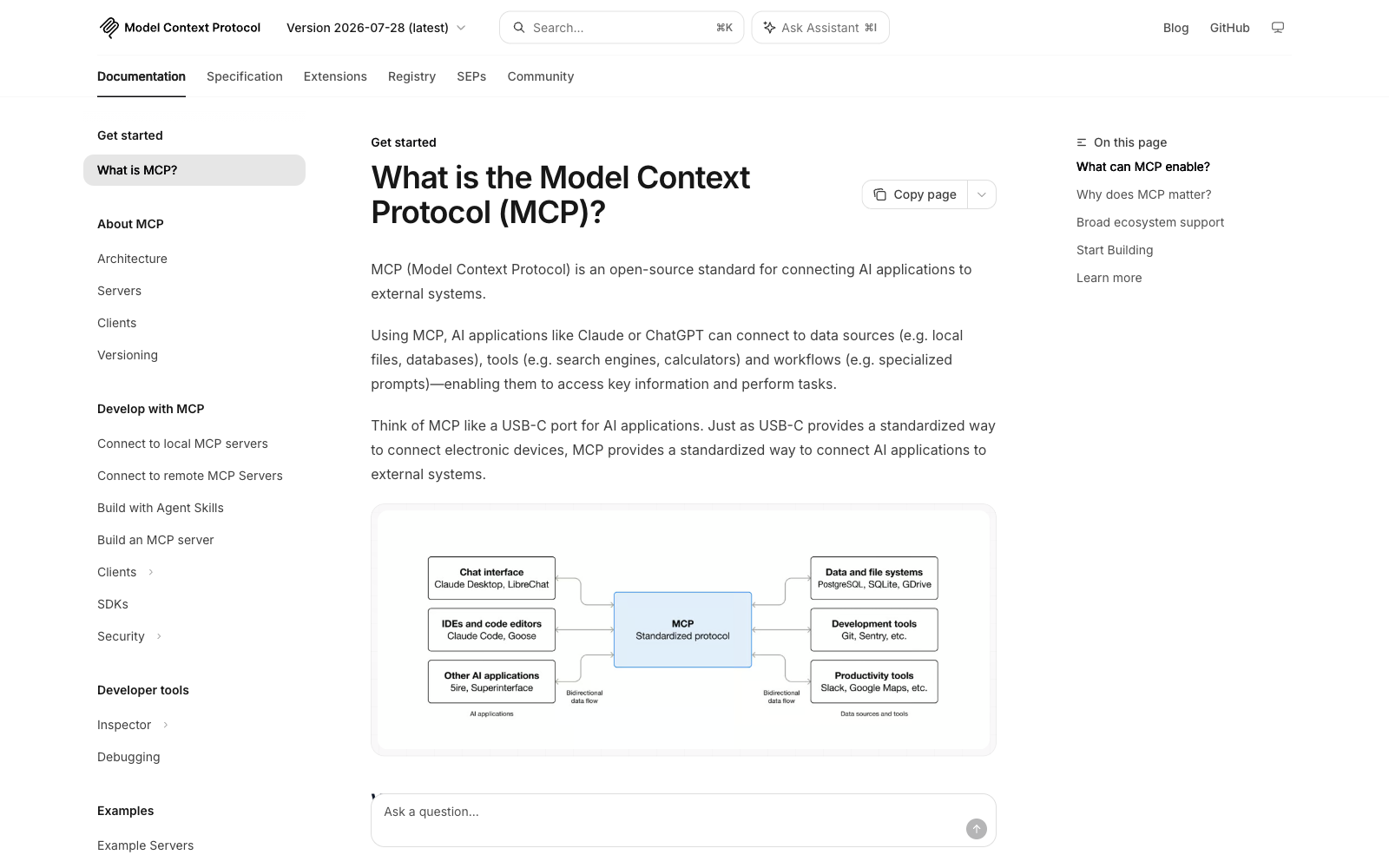
One plug for any app and model

  • A junior analyst wastes the morning moving data by hand: pasting filings, summaries and answers between apps
  • Before 2025, every app needed custom code for every model: 50 apps by 5 models is 250 integrations
  • MCP fixes that like Microsoft’s Language Server Protocol did for code editors: describe your tools once, any model can call them
  • The analogy is a USB-C port: one plug, any device (Lecture 15’s tool calling, tools from outside)
  • Anthropic released it (Nov 2024), OpenAI adopted it (Mar 2025), now 10,000+ servers
  • Every Claude connector is an MCP server with a friendlier name

Connectors on the free plan

Read access and write access are separate decisions

  • The connector directory is open to all users, including Free
  • Free accounts can add one custom remote MCP connector
  • You authorise each connector separately, and you can revoke it
  • A connector is Lecture 12’s RAG with a live plug, and it inherits the failure modes
  • A citation shows the model retrieved something, not that it checked it
Connector can Worst case
Read your calendar It sees a private appointment
Send email as you Someone gets a message you never wrote
Edit your files Work disappears
  • Check what it can see now: a Drive connector reaches every folder shared with you

Two routes for a finance team

Train a model, or connect one

  • Route one, train:
  • Route two, connect: instructions, documents, a connector to the filings, updating the moment the source does
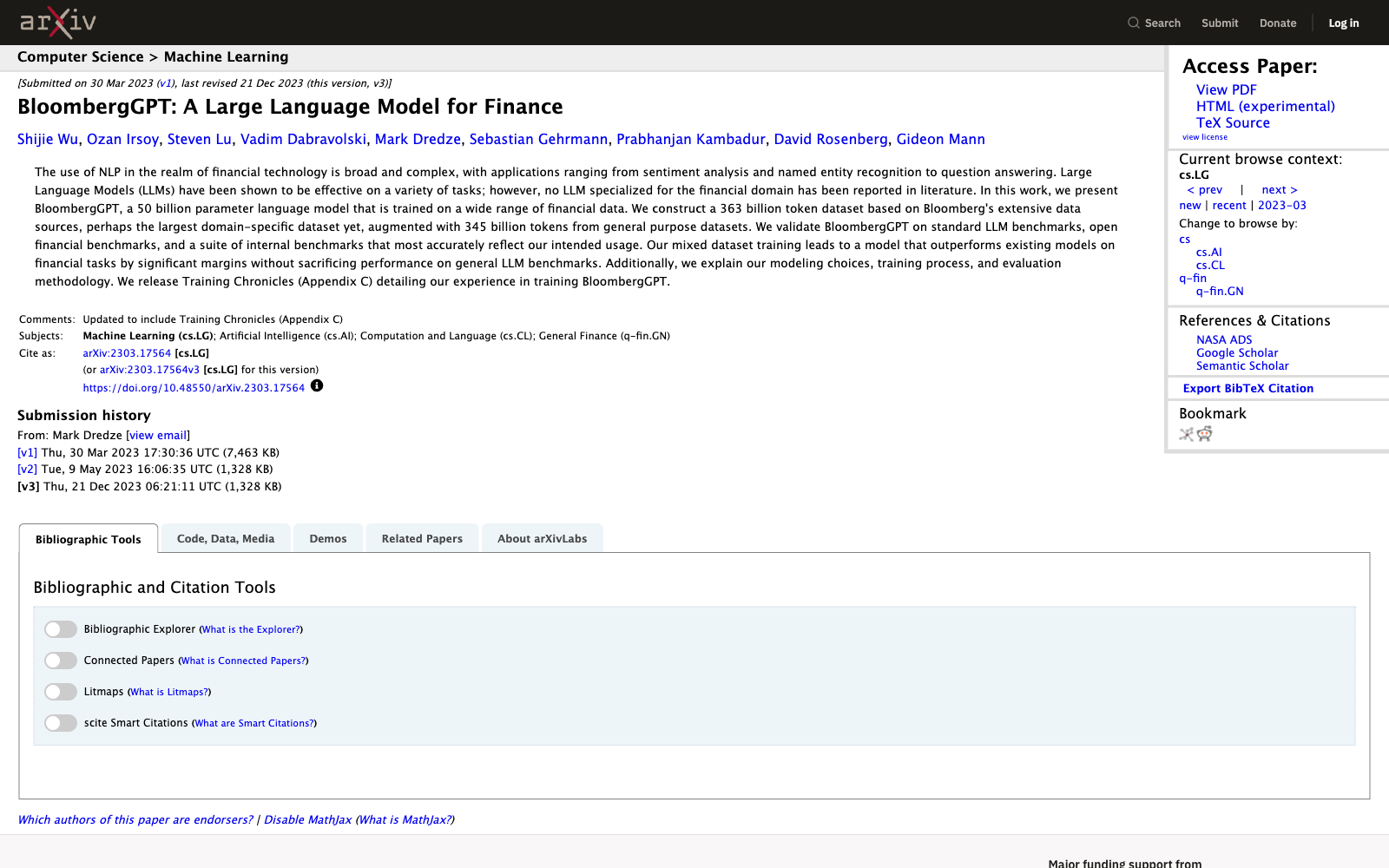
  • Li et al. (2023) surveyed both: fine-tuned models beat GPT-4 on classification, but match or trail it on generative tasks
  • Most teams take route two, because their bottleneck is data access

Attacks through connectors

The trifecta, hidden in what the agent reads

  • A shared document (Notion, Sept 2025): hidden white-on-white text gave the assistant secret orders
    • It collected private notes and sent them to a stranger
  • Gemini (SafeBreach, Aug 2025): a calendar invite title hid instructions
    • Gemini then controlled smart-home devices and leaked email
  • No password stolen: the attacker just writes a document and waits
  • This is indirect prompt injection (Greshake et al., 2023)
    • The poison rides in on content the agent reads
  • All three ingredients again: private data, untrusted content, a way out

Three rules before you click authorise:

  • Least access: only the connectors you need, switched off when done
  • Read-only by default: turn writing on for the task, then off
  • Confirm every write: send, post, pay, delete

Assume anything a connector fetches carries instructions aimed at your assistant

Beyond Claude

The same buttons in ChatGPT

Different limits, same four layers

Layer ChatGPT on the free plan
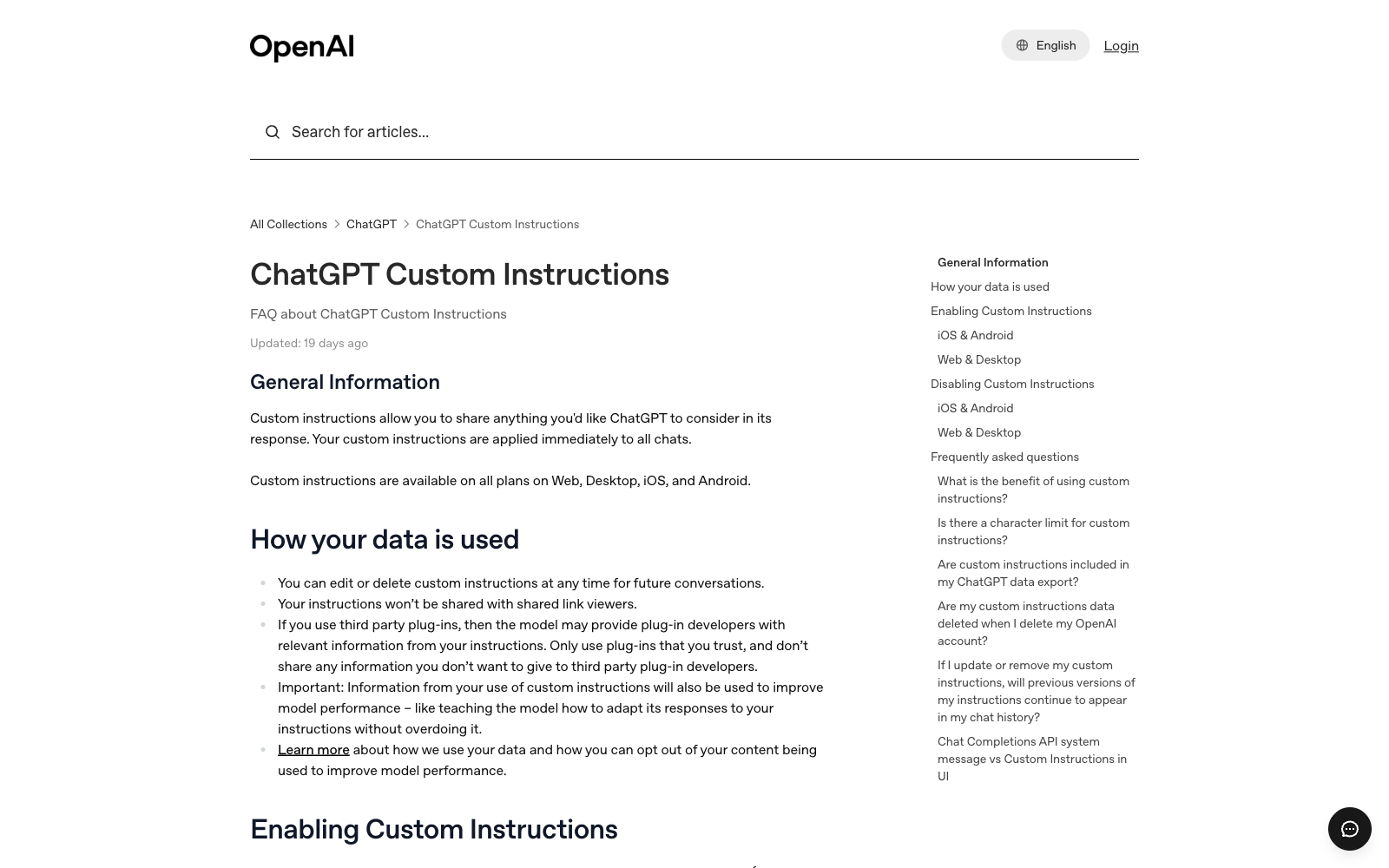
Instructions Custom instructions, 1,500 characters
Knowledge Projects (5 files on Free)
Memory A lightweight version since June 2025
Skills GPTs: usable on Free, being retired for Plugins
Tools Custom MCP connectors need Developer Mode
  • Plus raised the instruction cap to 5,000 characters on 15 July 2026
  • Developer Mode is Plus and above, so the tools layer is where the plans differ most
  • Temporary chat is the incognito equivalent
  • The limits change often, so check the help page before you quote a number
  • Write the setup once, then copy it into whichever tool you use
  • The four layers are the same in every tool; the caps and button names differ

Summary

Main takeaways

  • Four layers make up context: instructions, knowledge, memory, tools

  • A setup is a standing instruction, and constraints beat personas (Zheng et al.)

  • Memory is on by default and fills on its own, so read it and use incognito

  • Rules: few, and first (IFScale, Lost in the middle)

  • For agents, instructions become a file: CLAUDE.md, AGENTS.md, SKILL.md

  • A file is text, and text is not a permission system

  • MCP is one plug for any app and model (Nov 2024, over 10,000 servers)

  • Connect with least access, read-only by default, confirm every write
Do it at home

Your setup, step by step

Homework, not for class: twenty minutes on the free plan

Do this tonight; we will not do it in class.

  1. Create a Project called “DATASCI 101” (Free allows five)
  2. Write ten lines of instructions: role, audience, format, refusals, first question
  3. Upload two files: the syllabus and this week’s slides
  4. Open Settings > Memory and read every line as a stranger would
  5. Delete one memory you would not want on a screen behind you
  6. Add one connector and switch off its write tools
  7. Test it with three questions you already asked last week
  8. Write down one thing it got wrong, and which layer caused it
  • Did the three answers change? If not, your instructions were too vague
  • Go back to step 2 and add a rule that costs you something

Do steps 4 and 5 even if you do nothing else this week

… and that’s all for today! 🎉